Autodesk AI is the set of artificial intelligence capabilities built into Autodesk’s design and make platform. It combines Autodesk Assistant, Autodesk MCP Servers, and neural technology to automate repetitive tasks, connect workflows, and surface insights from project data across architecture, engineering, construction, manufacturing, and media production. It works as a creative collaborator inside the tools your teams already use, so you stay in control while your work moves faster.
The daily challenge for design and make teams
Every day, your team takes on new demands. Tighter schedules, more complex standards, contracts with hidden requirements, and clients who expect more with the same budget. Much of the working day still goes to tasks that add little value: redrawing markups, checking sheets against standards, reconciling versions, or moving data between applications that were never designed to talk to each other.
The result is predictable. Skilled architects, engineers, and designers spend hours on work that does not require their expertise, while the decisions that truly shape a project get squeezed into whatever time is left.
What Autodesk AI is designed to do
Autodesk built its AI on decades of industry expertise, and that focus matters. Rather than a generic chatbot layered on top of design software, Autodesk AI is embedded at the heart of Autodesk solutions and trained around the realities of design, manufacturing, construction, and media production.
Autodesk frames its AI work around three outcomes.
Augmentation gives professionals contextual help and suggestions while they work, so expertise is amplified rather than replaced.
Automation takes over the tedious, repetitive tasks that slow projects down.
Analysis makes complex project data usable, helping teams identify risks, compare options, and make better decisions earlier.
Together, these outcomes support a platform that learns from you, adapts to how your organization works, and helps you unlock capabilities that were previously out of reach.
How Autodesk AI works
Three core technologies power the platform. Understanding each one helps you see where AI can deliver value in your own workflows.
Autodesk Assistant
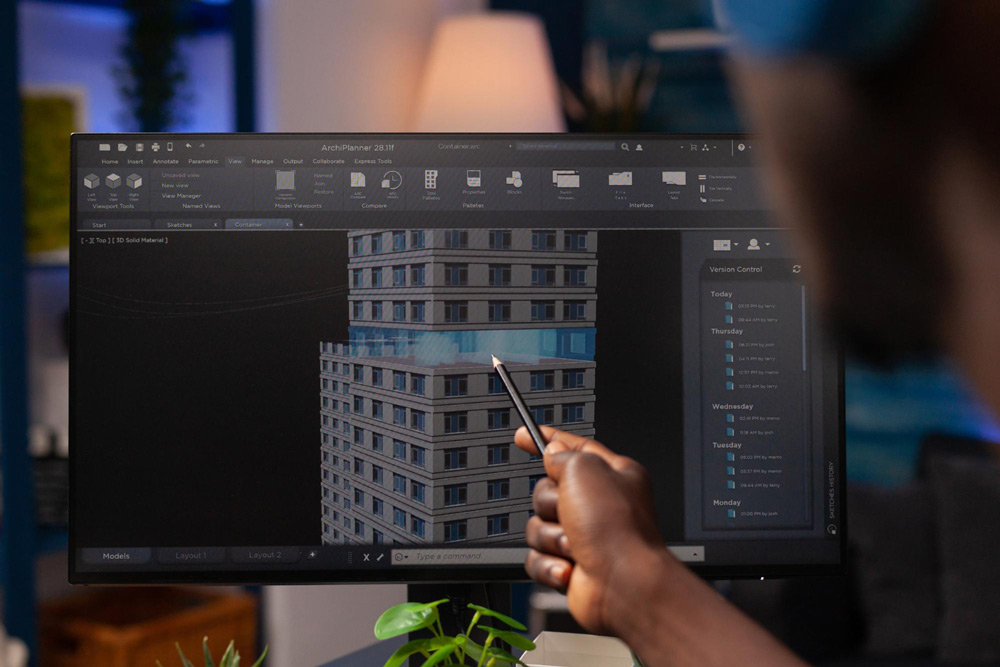
Autodesk Assistant uses trusted, secure intelligent agents to provide contextual assistance directly inside Autodesk products. Instead of searching documentation or interrupting a colleague, users can ask questions in natural language, get guidance on specific commands, and accelerate design and production tasks. Because the assistant understands the context of the file and the product, its answers are relevant to what you are actually doing.
Autodesk MCP Servers
Autodesk MCP Servers standardize design and make context so that AI agents and applications can share information securely and at scale. In practice, this means the intelligence built into one tool can understand the data living in another, enabling collaboration across teams and platforms without manual exports or fragile integrations. For IT leaders, this standardized approach is what makes AI adoption governable across an enterprise.
Neural technology and neural CAD
Neural technology, including neural CAD, applies machine learning and artificial neural networks to geometry itself. This is the engine behind advanced Autodesk generative design capabilities, where the software explores thousands of valid design alternatives based on goals, constraints, materials, and manufacturing methods. Engineers define the problem; the system proposes solutions they may never have considered.
How Autodesk AI supports AEC, construction, and manufacturing
Autodesk AI is not tied to a single application. Its value shows up differently at each stage of the design and make process, depending on the industry and the decisions teams need to make.
AI in architecture and engineering
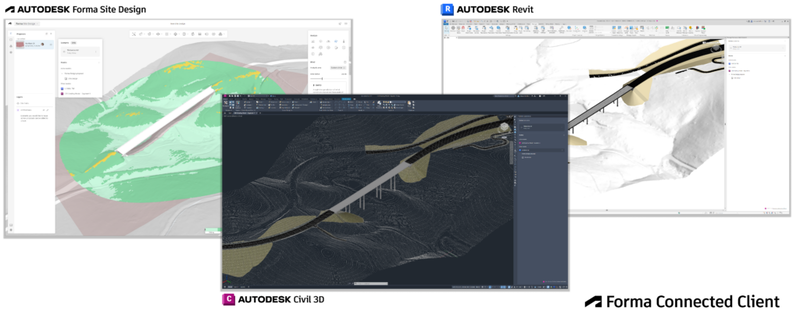
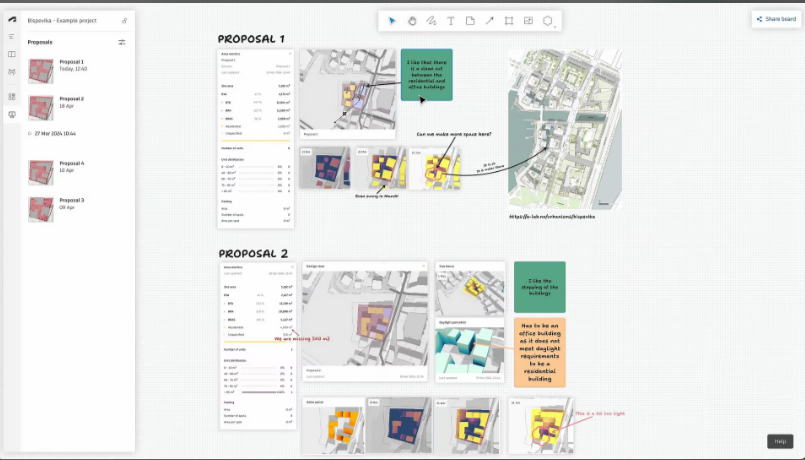
The biggest opportunity in AEC is early in the project, when decisions have the most impact and are the least expensive to change. Autodesk Forma uses AI-driven analysis to evaluate sun, daylight, wind, noise, and microclimate conditions in near real time. It also estimates operational energy and embodied carbon while massing options are still being explored. Instead of waiting weeks for specialized studies, architects and planners can compare scenarios in minutes, validate design intent with clients, and carry better-informed concepts into Revit for detailed design.
AI in construction
On the jobsite, the challenge is less about generating geometry and more about managing risk and information. Autodesk Construction Cloud uses Construction IQ to analyze project data and flag high-risk issues related to quality, safety, and design before they affect schedule or cost. AutoSpecs helps teams automatically build submittal logs from project specifications, reducing the chance that a hidden requirement is missed.
AI in manufacturing
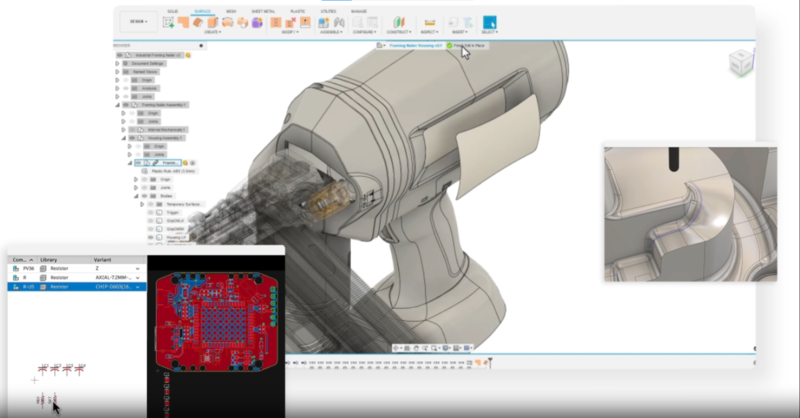
For manufacturers, AI helps shorten the path from concept to production. Fusion applies generative design to explore lighter, stronger design alternatives based on loads, materials, and manufacturing methods. It also automates time-consuming tasks such as sketch constraints and drawing creation. The result is less time spent on documentation and more time on engineering decisions that improve product performance and manufacturability.
Across all three industries, the intent is consistent: connect workflows that used to be disconnected and reduce the manual work between them.
What makes Autodesk AI different
Two principles define the approach.
First, you stay in control. Autodesk AI accelerates creativity and judgment but never replaces them. Every suggestion can be reviewed, adjusted, or rejected by the professional responsible for the outcome.
Second, it is built for regulated, standards-driven industries. Trusted and secure intelligent agents, standardized context through MCP Servers, and a platform trained on the requirements of design and make work mean that hidden requirements in contracts and standards are more likely to be met, not overlooked.
For decision makers, this translates into AI that fits existing governance models rather than forcing new ones.
Where teams see results first
A structural engineering firm uses generative design to reduce material in a connection detail while meeting load requirements, cutting both cost and fabrication time.
An architecture practice adopts Markup Assist so that field comments arrive in AutoCAD as editable changes instead of screenshots, shortening review cycles.
A manufacturer standardizes its context through Autodesk MCP Servers so that design data flows cleanly into planning and production tools, reducing errors caused by manual re-entry.
A construction team uses AI-driven risk analysis to prioritize open issues each week, so project managers act on the items most likely to cause delays.
None of these scenarios requires a full technology overhaul. They start with one workflow, measured results, and a clear owner.
Recommendations for adopting Autodesk AI with confidence
Start with the tasks your team complains about most. Repetitive, well-defined work is where automation delivers the fastest return.
Confirm your licensing and versions. Many AI capabilities depend on current subscriptions and up-to-date releases.
Define governance early. Decide who can use which agents, how data is shared, and how outputs are validated.
Invest in training. AI features are only valuable when teams know how to prompt, review, and refine what the software proposes.
Work with a partner who has implemented these tools in real projects. Experience with BIM standards, cloud collaboration, and enterprise deployment shortens the learning curve considerably.
Design and build the future with the right partner
Autodesk AI automates repetitive tasks and helps teams design faster, make smarter decisions, and stay productive. MicroCAD serves AEC, manufacturing, and media organizations across the United States and select international markets. We help companies choose the right Autodesk software, implement AI-driven workflows, and train their teams to get measurable value from these capabilities.
Talk to a MicroCAD expert to find out where Autodesk AI can make the biggest difference in your projects.