Quick answer.AutoCAD 2027 introduces AI assisted capabilities and workflow enhancements that help teams create, review, and manage drawings more efficiently. The most relevant AutoCAD new features include the Autodesk Assistant with contextual guidance, Geometry Cleanup for identifying and resolving drawing issues, Connected References for better file management, and expanded 3D graphics performance. Together, they reduce repetitive work, improve drafting accuracy, and keep CAD documentation consistent across every project.
Why Drafting Teams Lose Hours Before They Ever Draw a Line
Most design teams do not lose time drawing. They lose it cleaning up files received from consultants, chasing down which version of an external reference is current, waiting for a heavy 3D model to pan smoothly, or explaining the same command sequence to a new hire for the fourth time this month.
Those small frictions compound. A drafter who spends forty minutes a day resolving duplicate geometry, overlapping lines, and broken reference paths is losing roughly three working weeks a year. Multiply that across a department and the cost of inefficiency becomes a real line item, not a nuisance.
The 2027 release targets exactly those friction points rather than adding features nobody asked for.
What Actually Changed in AutoCAD 2027
Autodesk Assistant with contextual guidance
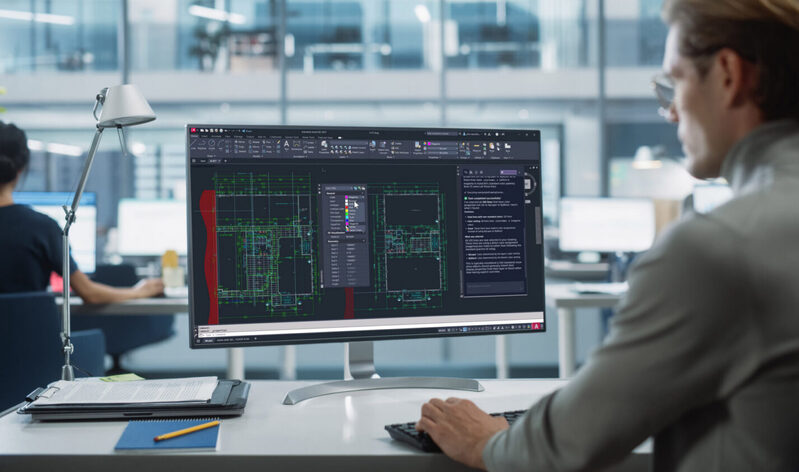
The Assistant works inside the drawing environment and responds to what the user is doing at that moment. Instead of leaving the application to search documentation or a forum thread, a designer can ask how to complete a task and receive guidance tied to the active context. For teams onboarding junior staff or transitioning users from other CAD software, this shortens the ramp up period considerably.
Geometry Cleanup
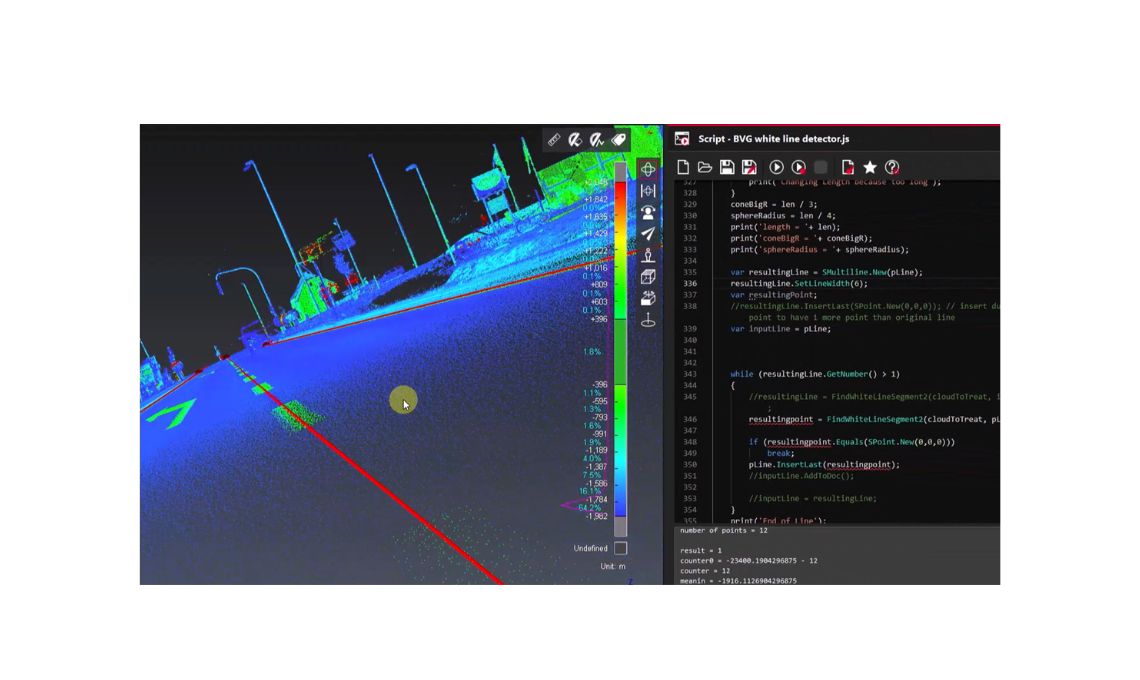
Imported files, legacy drawings, and consultant deliverables arrive with duplicated lines, gaps, and overlapping objects that quietly break dimensions, hatches, and quantity takeoffs. Geometry Cleanup identifies these issues and helps resolve them, which improves accuracy before problems reach documentation or fabrication.
Connected References
Reference management has historically been one of the most fragile parts of collaborative drafting. Connected References improves how linked files are tracked and updated, reducing the risk of working from an outdated base drawing. Fewer broken links means fewer coordination errors reaching the site or the shop floor.
Expanded 3D graphics performance
Larger models, richer visual styles, and smoother navigation. Performance improvements in the 3D environment allow designers to work with heavier assemblies and complex site models without constant regeneration delays.
How These Improvements Show Up in Daily Work
The value is cumulative rather than dramatic. A structural drafter opens a consultant file, runs Geometry Cleanup, and starts working on clean linework instead of manually auditing hundreds of objects. A BIM coordinator opens a sheet set and knows the references are current. A mechanical designer navigates a full assembly without switching to a simplified view.
None of these moments feel revolutionary in isolation. Measured across a quarter, they change how much a team can deliver without adding headcount.
What Separates a Smart Rollout From a Simple Installation
Upgrading a license is easy. Getting adoption is the part that most organizations underestimate. Three factors consistently determine whether a new release delivers measurable productivity gains.
The first is standardization. Templates, layer conventions, and title blocks should be updated alongside the software, otherwise teams keep working around old habits.
The second is training that matches real workflows. Generic feature demos rarely stick. Sessions built around the drawings your team actually produces do.
The third is infrastructure readiness. Review AutoCAD system requirements before deployment, with particular attention to certified graphics hardware, available memory, and display configuration, since the 3D performance improvements depend directly on the workstation behind them.
Common Scenarios Where Teams Feel the Difference First
Architecture and engineering firms working with multiple external consultants usually see the fastest return through Connected References and cleaner incoming geometry.
Manufacturing and fabrication teams benefit most from accuracy improvements, since a duplicated polyline in a profile can turn into a scrapped part.
Media and entertainment studios and firms handling large site or facility models gain the most from graphics performance, especially when reviewing work live with clients.
Growing teams with mixed experience levels get immediate value from the Assistant, which reduces the internal support burden on senior staff.
Practical Recommendations Before You Upgrade
Audit your current version and license position first, then confirm hardware compatibility across the workstations that will run the release. Pilot with a small group on a live project rather than a test file, because real drawings expose real issues.
Standardize AutoCAD shortcuts and command aliases across the team. A shared alias file is one of the least expensive productivity investments available, and it eliminates the inconsistency that appears when every user builds their own habits.
Document the AutoCAD tips and tricks that your senior drafters already use, from tool palettes and field-driven annotation to sheet set automation and dynamic blocks. Internal knowledge is usually the most underused asset in a design department.
Finally, plan the migration of custom content. Blocks, plot styles, linetypes, and scripts should move deliberately, not opportunistically.
Making the Most of Your Autodesk Investment
Software is only part of the equation. The organizations that get real returns treat each release as a chance to review how work moves through the team, where approvals stall, and which manual steps can be retired.
As an Autodesk partner working with AEC, design and manufacturing, and media and entertainment organizations, MicroCAD supports the full cycle around AutoCAD, from licensing and deployment to training, standards development, and ongoing technical support. That consultative approach is what turns a version upgrade into a measurable operational improvement.
AutoCAD 2027 combines AI powered assistance with smarter drafting and collaboration tools for more efficient CAD workflows.