
AI BIM Productivity Collection
Revolutionizing AEC Workflows with Intelligent Automation and AI-Powered Design
The Chaos AI Productivity Collection unites the power of Veras, Glyph, and Helix to transform how AEC teams work inside Revit. This collection brings AI-driven visualization, automation, and interoperability into a single workflow, helping architects, designers, BIM managers, and engineers generate ideas faster, streamline documentation, and keep models aligned across platforms.
From early concepts to coordinated construction documents, the collection boosts creativity and efficiency—empowering every Revit user to work smarter and deliver more in less time.
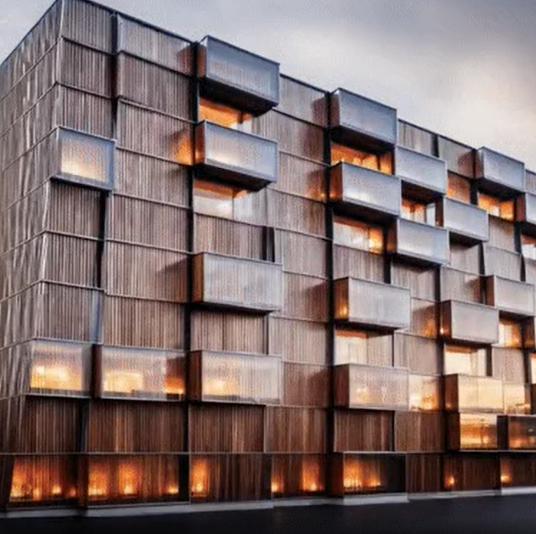

AI Visualization for Architects and Designers
Veras transforms early ideas into polished AI-driven visualizations, helping architects and designers explore multiple concepts instantly. From sketches to reference images, it produces photorealistic results ideal for ideation, reviews, and client presentations.
Integrated with tools like Enscape, Veras uses your materials, lighting, and views to generate accurate, cinematic imagery without extra rendering steps. With simple prompts, you can test variations, create atmospheric visuals, and elevate your design workflow.
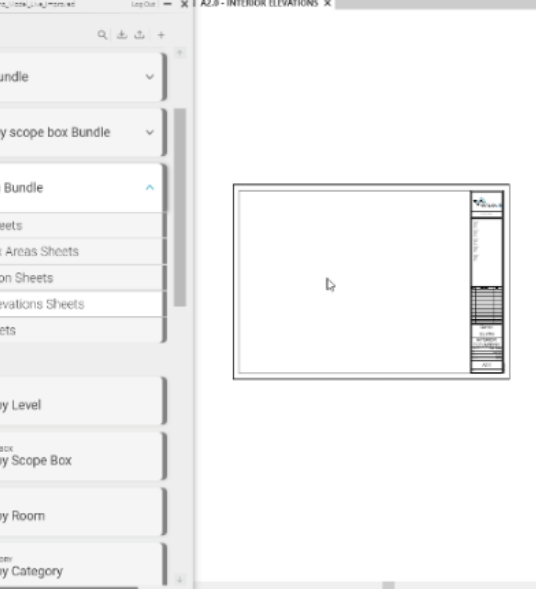

AI-Powered Automation for Revit Documentation
Glyph accelerates Revit documentation by converting simple text prompts into complete, production-ready outputs. It automates plans, elevations, dimensions, tags, and sheets, removing hours of repetitive drafting from your workflow.
Commands like “Create Level 1 plans and elevations” or “Dimension grids, walls, and doors” run in seconds. With Bundles that combine multiple tasks into one click, Glyph helps teams work faster, reduce errors, and streamline documentation across every project.
The result: faster documentation, fewer errors, and more time for meaningful design and coordination work.
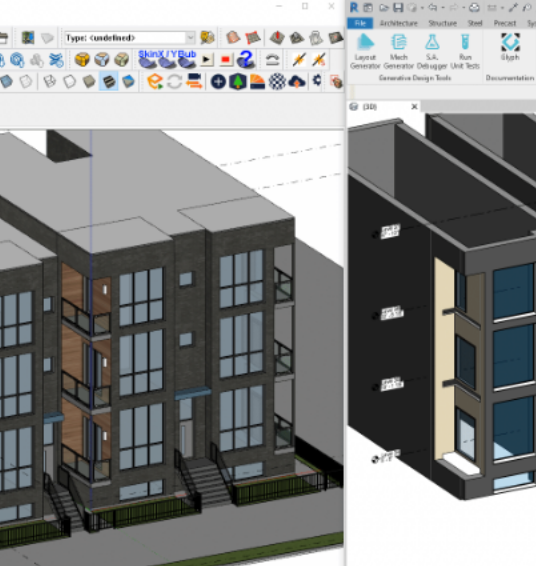

Seamless Interoperability Across Design Platforms
Helix connects Revit with SketchUp, Rhino, and AutoCAD, ensuring models stay consistent across teams and tools. With live syncing, texture mapping, and support for formats like DXF and DirectShape, it eliminates the usual gaps caused by moving models between platforms.
Helix keeps geometry, context, and spatial relationships intact, maintaining accuracy from concept through construction.
The result: smoother collaboration, fewer data losses, and a more connected workflow across all project phases.
