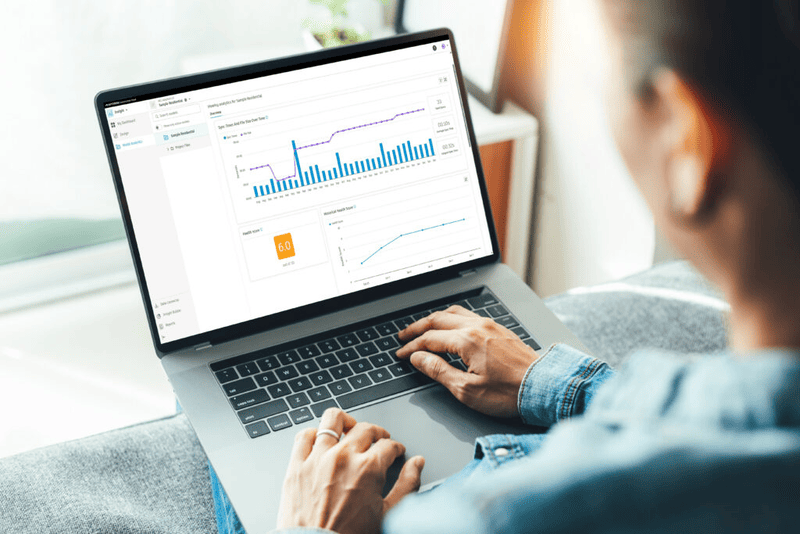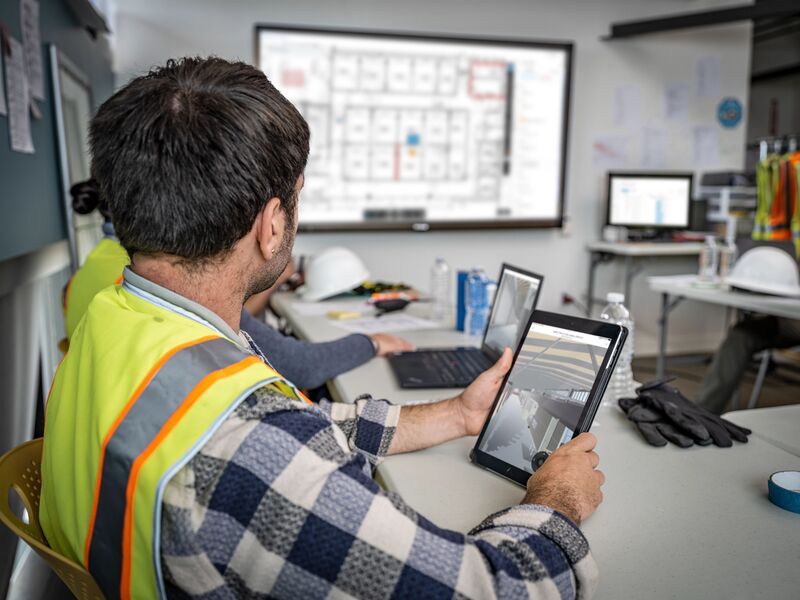
Would you like to bring together all teams on a construction project from design to invoicing in a single software solution? With Autodesk Build, formerly known as Autodesk BIM 360 Build, you can connect the office and the construction site through a centralized information environment.
This software aims to improve construction management and streamline the construction process by connecting workflows securely from a single source of information. Below are the reasons why you should manage projects in the cloud with Autodesk Build
Keep projects on track
For Autodesk Build, project collaboration is a central issue since it reduces miscommunication between teams, and avoids time loss and reworks. The software provides real-time access to the latest schedule. It allows users to bring the schedule from Primavera P6, Microsoft Project, or ASTA Powerproject into Autodesk Build so all project stakeholders can access and collaborate on the schedule data in a centralized environment. While keeping track of the schedule from the field, changes are easily communicated from the trailer to HQ.
Seamlessly manage RFIs
Poor team coordination can lead to scheduling delays and increased costs. With Autodesk Build, all meeting records are centralized in an accurate historical record, providing users with access to the information they need.
The software enables a link between photos, issues, and documents in real-time, allowing all stakeholders to understand more quickly the impact of any change made Users can create links between the project data they receive, creating a comprehensive view of the project’s health. A suitable workflow connection between teams brings along greater project visibility since critical information is not lost along the way.
You can designate specific responsibilities for each step of the information request process (RFIs) to improve communication, create ownership, and effectively manage RFIs through to resolution. Do not just manage information inquiries, rather link them through the project lifecycle.
Simplify submittals
With Autodesk Build, you can start projects faster with an automated submittal log and efficiently coordinate and manage all submittals in a single submittal log. The software allows you to move submittals through the review process with actionable responses.
It enables you to initiate submittal requests, manage reviews and approvals, and access approved submittal information from your mobile device. This streamlines the process, increases visibility, and provides field teams with immediate access to the information they need. Teams can quickly check the status of the project and reduce the time needed to take action. In this way, the execution of the different phases of the project is kept on schedule.
Safety management
Construction can be a dangerous industry, and the top priority is to get all workers home safely. Running safety program checklists and site observations from a mobile device can help avoid safety blind spots and hazardous situations. You can log the root causes of issues and add photos or comments to help identify and prevent common problems. Autodesk Build enables the development of easy-to-adopt and repeatable safety programs, allowing all team members to take ownership of site safety.
Cost control
With Autodesk Build, you can increase transparency and improve construction cost control by centralizing all cost information on a single platform. Connected construction cost workflows reduce data loss and increase access to critical information. This enables more predictable cash flow forecasts and greater visibility into cost-related risks.
Users can synchronize critical financial data between accounting and operations by integrating Autodesk Build and your accounting system. With the elimination of manual and duplicate data entry, the risk of liability issues reduces, and processes become streamlined. Accessibility to accurate, up-to-date information empowers both parties to make informed decisions quickly. In addition, with actual construction cost data automatically flowing into cost management, field teams can improve forecast accuracy to ensure maximum profitability.