
Autodesk AI in Construction
Predict the risk. Cut the busywork. Decide with better data
Every construction project runs on data RFIs, submittals, drawings, daily reports, photos, change orders. The problem was never the lack of it. It was making sense of it fast enough to matter. Autodesk AI in Construction reads that data for you. It flags the risks worth acting on, takes the repetitive work off your team’s plate, and gives project leaders a straight answer on where a job actually stands. And because it is built into Autodesk Forma, there is nothing new to install and no data to move.
Not a new tool
Intelligence built into the tools you already use. Body: Autodesk AI is not a separate product you buy and bolt on. It is built directly into Autodesk Forma the industry cloud that now includes the former Autodesk Construction Cloud products. Wherever your teams already work Forma Build, Forma Data Management, Forma Design Collaboration the AI works right alongside them. No second system to learn. No data to export.
That matters more than it sounds. Most “AI for construction” asks you to change how you work. Autodesk AI in Construction fits into the workflow your crews and coordinators already run.

Predict
Analyze project data to spot risk safety, quality, schedule before it turns into rework or a delay.

Automate
Take repetitive, manual tasks off your team so they spend their hours on the work that needs real judgment.

Assist
Surface the right document, number, or answer at the moment you need it right inside the product.
The issue was never too little data
Ask a project manager where their week goes and you will hear the same list: chasing the latest drawing set, re-checking submittals, writing up daily reports, hunting for the one photo that proves what happened, catching a quality issue that should have been flagged a month ago.
None of that is building. It is overhead and it quietly eats margin on every project.
- Manual, repetitive work pulls skilled people away from the field and into paperwork.
- Rework from missed issues inflates cost and blows through the schedule.
- Risk hides in plain sight, buried in data nobody had time to read.
- By the time a problem surfaces on site, fixing it costs many times more than catching it early.
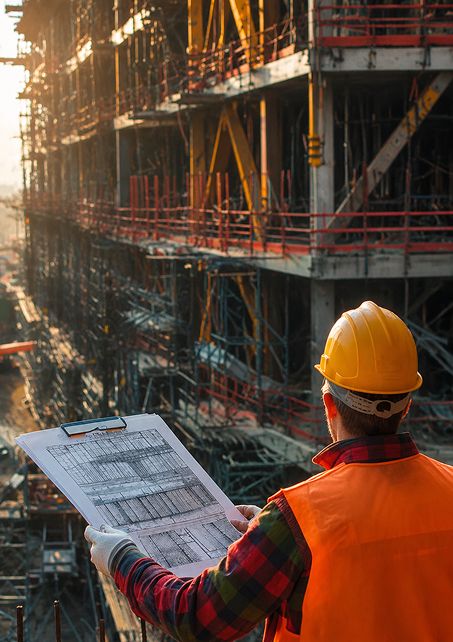
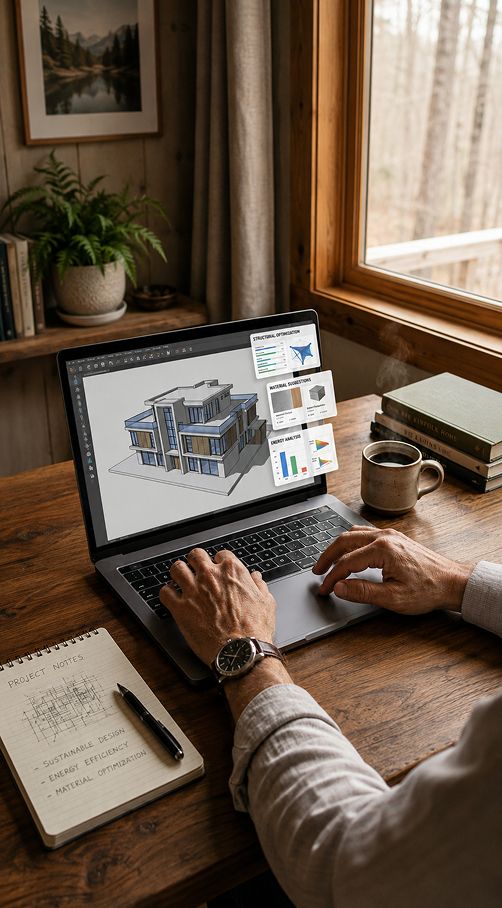
From raw project data to decisions you can act on. Intro: Here is where the idea of “AI” becomes something a project team uses on a Tuesday
- Predict and prioritize risk
Autodesk AI reviews your project data and highlights where risk is building up high-risk subcontractors, recurring quality issues, safety concerns, or design problems that need attention now. Instead of a dashboard full of everything, your team sees what to deal with first. - Compare drawings and documents automatically
When a new sheet or version comes in, the AI detects what changed and shows it side by side. No more manually eyeballing two drawing sets to find the one revision that moved. - Catch quality and safety issues early
By reading issues, checklists, and field reports across the project, the AI surfaces patterns a single person would miss so a small quality trend gets caught before it becomes a punch list a mile long. - Turn field data into insight
Daily reports, photos, and logs stop being a filing exercise. The AI helps organize and analyze them, so the record of the project becomes something you can actually use to make decisions. - Get answers without digging
Ask a question about the project and get a straight answer, pulled from your own data instead of opening five files to find it yourself.
AI across the build phase not in one place. Intro: Autodesk AI is woven through the Forma products your construction team already uses. It is the same intelligence, showing up where each job gets done

Forma Build (formerly Autodesk Build) Predictive risk insight, issue analysis, and automated document handling inside field and project management. Track RFIs, submittals, and quality with the AI pointing you at what matters.

Forma Data Management (formerly Autodesk Docs) The common data environment where everything lives. Autodesk AI helps organize, classify, and compare documents so the right version is always the one in front of you.

Forma Design Collaboration (formerly Autodesk BIM Collaborate Pro) Automated clash detection and model coordination that catch conflicts before they reach the field.

Forma Takeoff & Forma Estimate AI-assisted, model-based takeoffs and cost estimates that cut manual measurement errors and speed up the bid process.
Less overhead. More building
- Time back: Hours that went to paperwork return to running the project.
- Fewer costly mistakes: Catching an issue in the model or the data beats catching it on site, every time.
- Clearer decisions : Real project data behind every call, not gut feel.
- Implementation Support: project templates, user setup, and workflow configuration so the AI has the data it needs.
- Certified Training: live, on-demand, and on-site training on every Forma product.
Frequently asked questions
Common questions about Autodesk AI in Construction.
Is Autodesk AI a separate product I have to buy?
No. It is built into Autodesk Forma products you may already use Forma Build, Forma Data Management, Forma Design Collaboration. The features come with the tools rather than as a standalone purchase.
Will AI replace my project team?
No, and that is not the goal. It takes the repetitive, data-heavy work off your team so people focus on the decisions that need experience and judgment. It is a tool in their hands, not a replacement for them.
What do we need to start?
In most cases, a current Autodesk Forma subscription and the relevant products. Because the AI is built in, there is usually nothing new to install though some features depend on your product version. MicroCAD can confirm what applies to your setup.
Does it work for both design and construction?
Yes. The same intelligence runs across the Forma lifecycle from design coordination through on-site risk prediction and quality management.
You do not change how you build. The AI fits in
There is no rollout to fear here. In practice it looks like this:
- Start with the data you already have
Your models, drawings, and project records feed the AI. Nothing new to set up. - Let the AI do the reading
It analyzes documents, issues, and field data in the background while your team keeps working. - Review what it surfaces
Predicted risks, detected changes, flagged issues all presented for a person to weigh and decide. - Act earlier, with confidence
Better information, sooner, means fewer surprises down the line.
The point is not to replace judgment. It is to make sure the judgment happens with better information and more time to use it.