Glyph
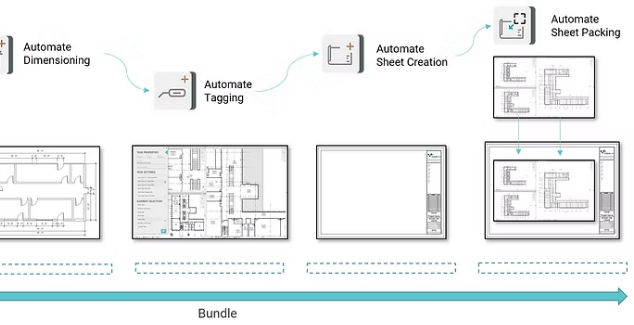
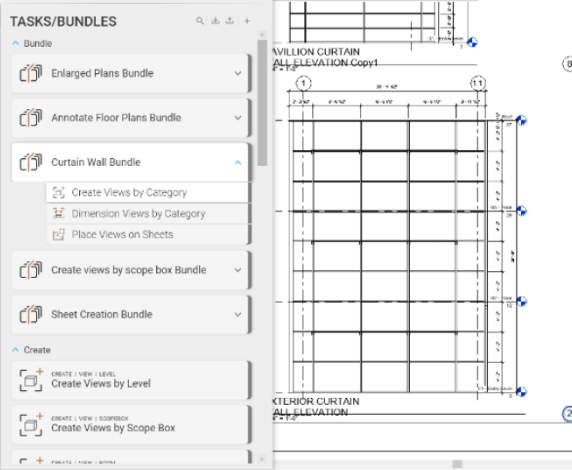
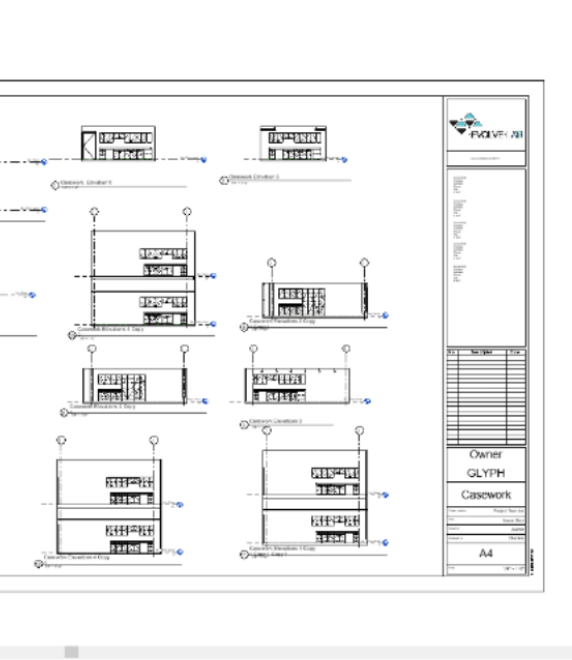
Glyph is a Revit® automation plugin that streamlines and standardizes documentation. It creates views and sheets, applies tags and dimensions, automates sheet packing, and more, cutting hours of repetitive work from your workflow. With customizable task bundles and the ability to sync tasks across projects, Glyph helps teams stay consistent, fast, and perfectly coordinated.
AI-Powered Automation for Revit Documentation
Speed up documentation with smart, customizable dimensioning tools designed to reduce manual work and improve accuracy.
Task Options
-
Dimension multiple views simultaneously.
-
Apply dimensions by category.
-
Customize tasks to fit project standards.
Selection Tools
- Select views and elements directly from Revit.
- Optional: work within the active view.
- Use selection filters or hand-pick elements with checkboxes.
Dimension Style Controls
- Choose dimension styles and tie conditions.
- Set reference planes per selected category.
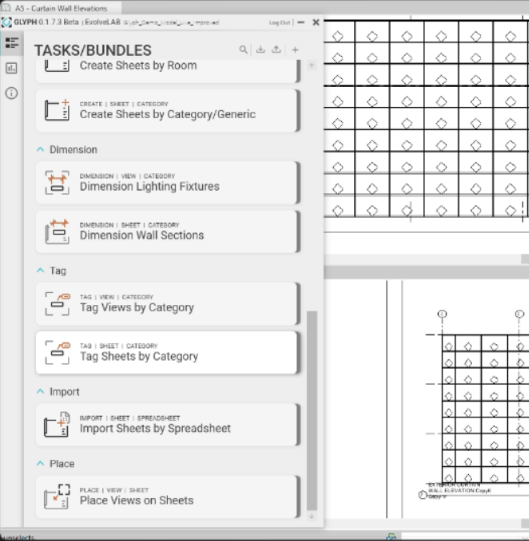
Automated Tagging Made Easy
Effortlessly tag views and sheets with precision and consistency—no more manual clicking.
Tagging features
- Apply tags by category across views and sheets.
- Tag directly from the active view or batch-tag at once.
Flexible selection
- Filter by category or use checkbox selection.
- Full control over what gets tagged.
Tailored results
- Choose orientation and leader settings.
- Assign the right tag type for each category.
View Creation
Quickly generate the views you need with flexible, automated tools.
Task Options
- Create views by level, scope box, room, or category.
Selection
- Select levels, scope boxes, categories, or elements directly from Revit.
- Use filters to fine-tune your selection.
Customization
- Generate any view type: floor plans, RCPs, elevations, sections, or 3D views.