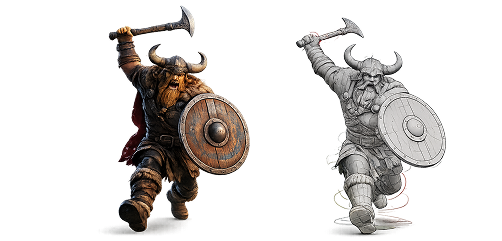
Autodesk AI in Media and Entertainment
AI built for artists. Not the other way around
Autodesk AI in Media and Entertainment is designed to speed up production without pulling you away from your vision. The results stay editable, personalizable, and true to your creative intent whether you’re animating, compositing, or building out a scene. From first block-out to final frame, Autodesk AI works alongside you at every stage of the pipeline.
AI across your whole pipeline. Not a bolt-on
Autodesk AI in Media and Entertainment is a set of AI capabilities built into the tools studios already use Maya, Flame, and Flow. Instead of handing your work off to a black box, these tools handle the repetitive and technical parts so you can spend your time on the creative calls that matter. Every result is editable and non-destructive, so nothing gets locked in.
Autodesk AI shows up across four stages of production:


Animate
Get a strong motion starting point in minutes, then refine the performance yourself.

VFX & FINISHING
Turn live-action footage into editable CG, generate in-between frames, and speed up post.

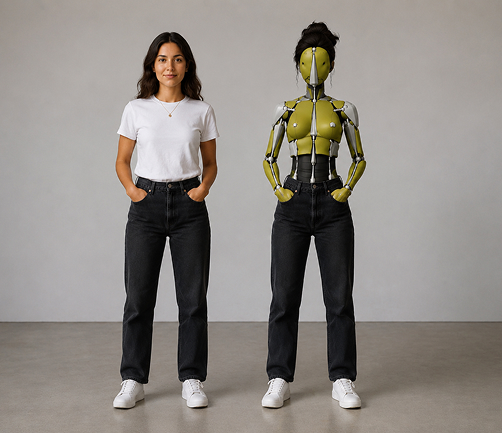
Your control. Amplified
- Creative Control
Every result is editable and non-destructive. You keep full artistic ownership, and the output adapts to your style instead of flattening it. - Workflow Integration
The AI lives inside the tools you already work in. No new pipeline to learn, no exporting back and forth. - Trustworthy Transparency
We’re clear about how our AI is trained and how your data is used so you can create without second-guessing.
Every tool. Every stage
Autodesk AI in Media and Entertainment includes purpose-built tools for each part of the pipeline. All of them stay under your control and integrate into the software you already run.
VFX & Virtual Production
- Autodesk Flow Studio
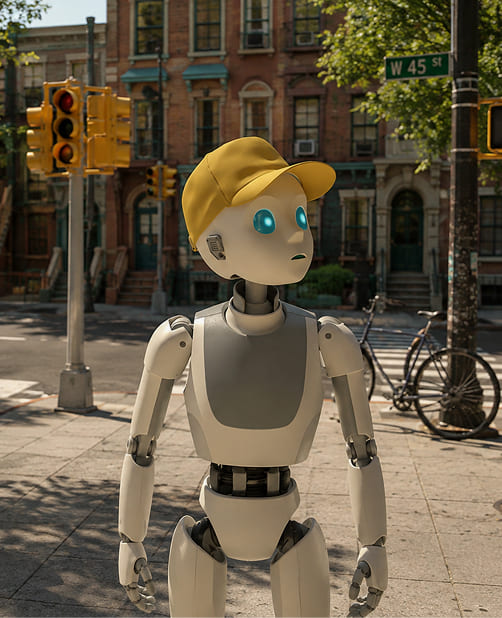
Turn live-action footage into editable CG scenes with a cloud-based AI 3D toolset. No complex setup required. Tell the stories you’ve always pictured with AI that’s fast, accessible, and fully under your control.
Key capabilities: live-action to CG conversion, cloud 3D toolset, editable output.
- AI Toolkit in Autodesk Flame
Generate 3D point clouds to place objects in a scene, create in-between frames for slow-motion shots, and more with nearly a dozen AI-powered VFX and finishing tools in Flame.
Key capabilities: point-cloud generation, frame interpolation, AI-assisted compositing.
VFX & Virtual Production
- Autodesk Flow Studio
Turn live-action footage into editable CG scenes with a cloud-based AI 3D toolset. No complex setup required. Tell the stories you’ve always pictured with AI that’s fast, accessible, and fully under your control.
Key capabilities: live-action to CG conversion, cloud 3D toolset, editable output.
- AI Toolkit in Autodesk Flame
Generate 3D point clouds to place objects in a scene, create in-between frames for slow-motion shots, and more with nearly a dozen AI-powered VFX and finishing tools in Flame.
Key capabilities: point-cloud generation, frame interpolation, AI-assisted compositing.
Animation
- MotionMaker in Autodesk Maya
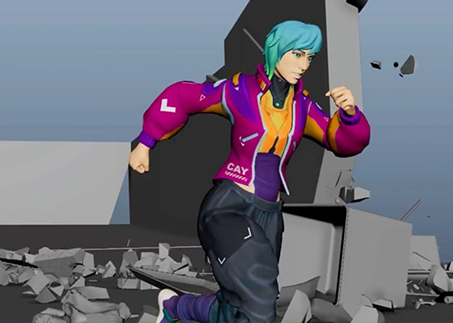
Focus on performance and story. MotionMaker combines keyframes, motion capture, and machine learning to generate motion quickly giving you a solid starting point for background characters or a hero shot. Key capabilities: ML-assisted motion generation, keyframe + mocap blending, editable results.
Animation
- MotionMaker in Autodesk Maya
Focus on performance and story. MotionMaker combines keyframes, motion capture, and machine learning to generate motion quickly giving you a solid starting point for background characters or a hero shot. Key capabilities: ML-assisted motion generation, keyframe + mocap blending, editable results.
Rigging & Setup
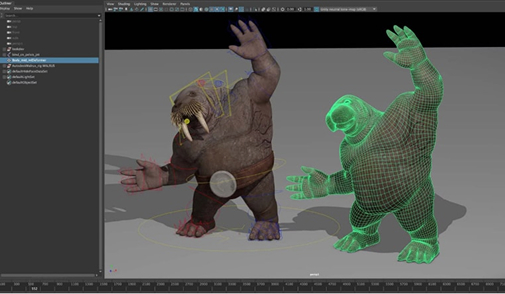
- Machine Learning Deformer in Autodesk Maya
Simulate complex character deformation with a fast, interactive tool. Cut down on manual weight painting and speed up character rigging.
Key capabilities: ML-based deformation, interactive results, less manual rigging.
Rigging & Setup
- Machine Learning Deformer in Autodesk Maya
Simulate complex character deformation with a fast, interactive tool. Cut down on manual weight painting and speed up character rigging.
Key capabilities: ML-based deformation, interactive results, less manual rigging.
Production Management
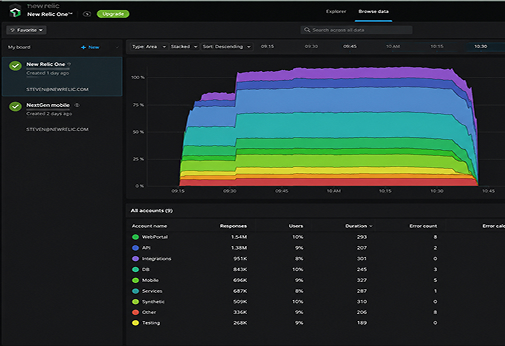
- Generative Scheduling in Autodesk Flow
Optimize production timelines with AI that analyzes dependencies, resource availability, and creative priorities. Helps producers and coordinators make smarter, faster calls.
Key capabilities: dependency analysis, resource-aware scheduling, faster planning.
Production Management
- Generative Scheduling in Autodesk Flow
Optimize production timelines with AI that analyzes dependencies, resource availability, and creative priorities. Helps producers and coordinators make smarter, faster calls.
Key capabilities: dependency analysis, resource-aware scheduling, faster planning.
Built into the tools you already run
Autodesk AI in Media and Entertainment isn’t a separate app you bolt on. It’s built into the products your team already uses.
- Autodesk Maya
Home to MotionMaker and the Machine Learning Deformer. Speed up animation and rigging without leaving your scene. - Autodesk Flame
Home to the AI Toolkit point clouds, frame generation, and finishing tools for VFX and post. - Autodesk Flow Studio
Cloud-based AI 3D toolset that turns live-action footage into editable CG. - Autodesk Flow (Production Tracking)
Home to Generative Scheduling, so producers can plan around real dependencies and resources.
Get Autodesk AI as part of the M&E Collection
Many of these AI tools ship inside the software in the Autodesk Media & Entertainment Collection including Maya, 3ds Max, and more.
Transparency you can build on
Trust matters when AI touches your work. Autodesk is transparent about how its AI is trained and how your data is handled, so your team can adopt these tools without giving up ownership or peace of mind. Results stay editable and non-destructive the AI gives you a starting point, and every decision after that is yours.