What if starting a design in 2D did not limit how far you could take it later in 3D?
That question reflects a reality many design and engineering teams face every day. Some projects begin with quick 2D layouts, while others demand detailed 3D models from the start. The real challenge is making sure both approaches work together instead of competing.
When AutoCAD and Inventor are used as a connected workflow, teams gain flexibility without sacrificing accuracy, speed, or downstream value.
Why 2D and 3D Still Matter Together
Despite the growth of 3D modeling, 2D drafting remains essential. Floor plans, schematics, layouts, and legacy drawings are still created and reviewed in 2D. At the same time, manufacturing and engineering decisions increasingly rely on 3D data.
The strength of using AutoCAD with Inventor lies in not having to choose one over the other. Designers can start where it makes sense, often in 2D, and then move into 3D when more detail, validation, or manufacturing readiness is required. This combination respects how teams actually work, rather than forcing a single method for every task.
Starting in AutoCAD Without Losing Momentum
AutoCAD is often the first stop in the design process. It is fast, flexible, and well suited for conceptual layouts and precise 2D documentation. Many teams are comfortable using it to explore ideas, define space, or adapt existing drawings.
When AutoCAD drawings are connected to Inventor, that early work does not get thrown away. Instead, it becomes a foundation. Geometry, dimensions, and intent can be reused and referenced as designs move forward. This continuity helps teams avoid rework and keeps projects moving smoothly from concept to detailed design.
Adding Intelligence with Inventor
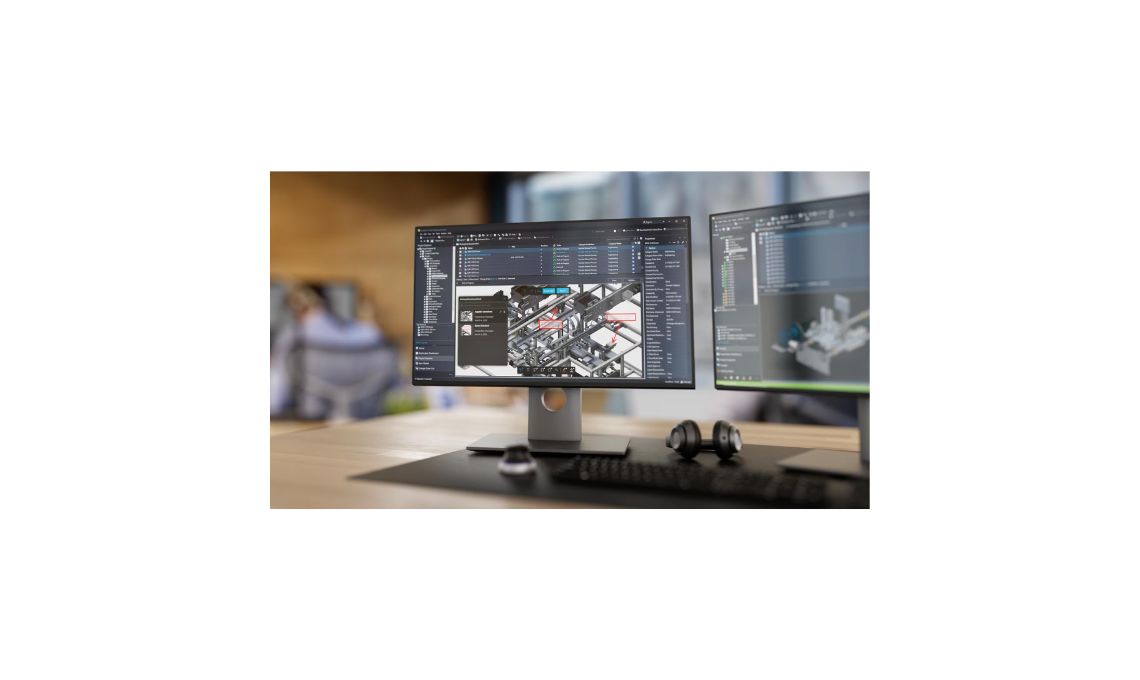
Inventor brings depth to the process by introducing intelligent 3D modeling. Parts and assemblies are not just shapes, but components with relationships, parameters, and constraints. This intelligence allows designs to adapt when changes happen, which is especially valuable in real world engineering scenarios.
By building on AutoCAD data, Inventor helps teams add accuracy and validation without starting over. Clearances can be checked, assemblies tested, and design intent maintained as models evolve. This is where 3D modeling stops being just visual and starts supporting better decisions.
Maintaining Associativity Across the Workflow
One of the key benefits of using AutoCAD and Inventor together is associativity. Changes made in one part of the workflow can be reflected elsewhere, reducing the risk of mismatched drawings and models.
This is especially useful when teams are working in parallel. Layouts may still be evolving in 2D while detailed components are developed in 3D. A connected workflow helps keep everyone aligned, even as designs change. Less time is spent updating documentation manually, and more time is spent refining the design itself.
Supporting Collaboration Across Disciplines
Design and engineering projects rarely involve a single discipline. Mechanical, electrical, and layout focused teams often need to collaborate closely. AutoCAD and Inventor support this collaboration by allowing each team to work in the environment that fits their role best.
2D drawings remain accessible for quick reviews and communication, while 3D models provide the detail needed for engineering and manufacturing. When both are part of the same ecosystem, information flows more naturally between teams. This shared understanding reduces misunderstandings and helps projects stay on track.
Design Reuse and Faster Development Cycles
Reusing existing designs is one of the simplest ways to save time, but it only works if data is easy to adapt. Inventor excels at parametric design, making it easier to reuse and modify components for new projects.
When combined with AutoCAD, teams can reuse both 2D and 3D assets without duplication. Standard layouts, proven components, and existing documentation can all be brought forward and adjusted as needed. Over time, this approach shortens development cycles and helps teams respond faster to new requirements.
Unlocking Downstream Tools and Capabilities
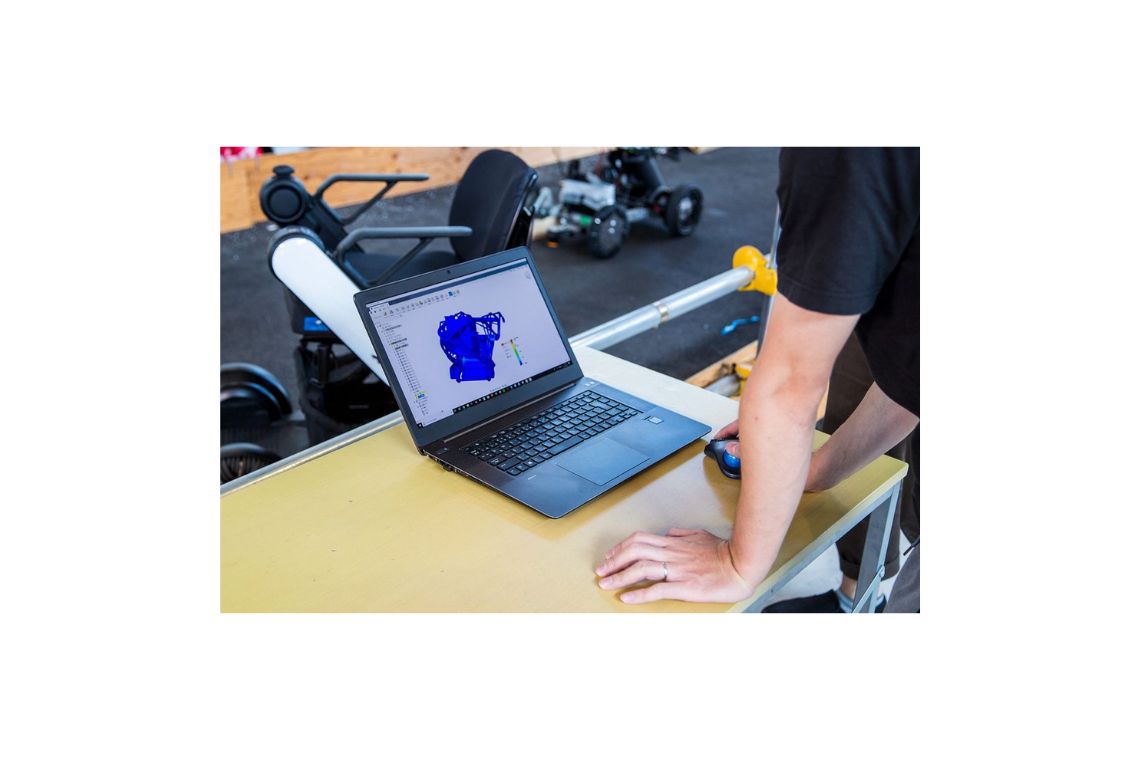
Working in 3D does more than improve visualization. It opens the door to downstream tools that directly impact performance, cost, and quality. Simulation helps teams test designs before they are built. Tolerance analysis supports better fit and function. Nesting and CAM streamline manufacturing preparation, while rendering improves communication with stakeholders.
Working with 3D models opens the door to powerful downstream tools. Simulation, tolerance analysis, nesting, CAM, and rendering help teams improve performance.
Because Inventor models are connected to the earlier stages of design, these tools are not isolated steps. They become part of a continuous process that carries data forward instead of recreating it.
A Practical Approach to Modern Design
Using AutoCAD and Inventor together is not about replacing familiar tools. It is about connecting them in a way that reflects how designers and engineers actually work. Starting in 2D, adding intelligence in 3D, and maintaining a clear link between the two creates a more flexible and reliable workflow.
For teams looking to improve outcomes without disrupting proven processes, this 2D plus 3D approach offers a balanced path forward. It combines speed, accuracy, and depth in a way that supports better decisions and more confident project delivery.