What if your construction models stopped living in silos and actually worked together the way your project team expects them to?
That question captures a common challenge in construction today. Models are created by different disciplines, in different tools, often at different times. Bringing all that information together in a way that feels clear and reliable is not always easy. This is where construction model management with Autodesk Construction Cloud and Autodesk Navisworks comes into play.
Together, they offer a practical approach to managing BIM data across the construction lifecycle without overcomplicating the process.
Why Model Management Matters in Construction
BIM has been part of construction workflows for years, but having models does not automatically mean better coordination. The real value comes from how those models are managed, shared, and reviewed. When model management is weak, teams run into familiar issues like clashes discovered too late, unclear responsibilities, and costly rework on site.
A strong model management process helps teams spot problems earlier, understand how systems interact, and keep everyone aligned. It creates a shared understanding of the project that goes beyond drawings and schedules, turning the model into a decision making tool rather than just a reference.
Autodesk Construction Cloud as the Central Platform
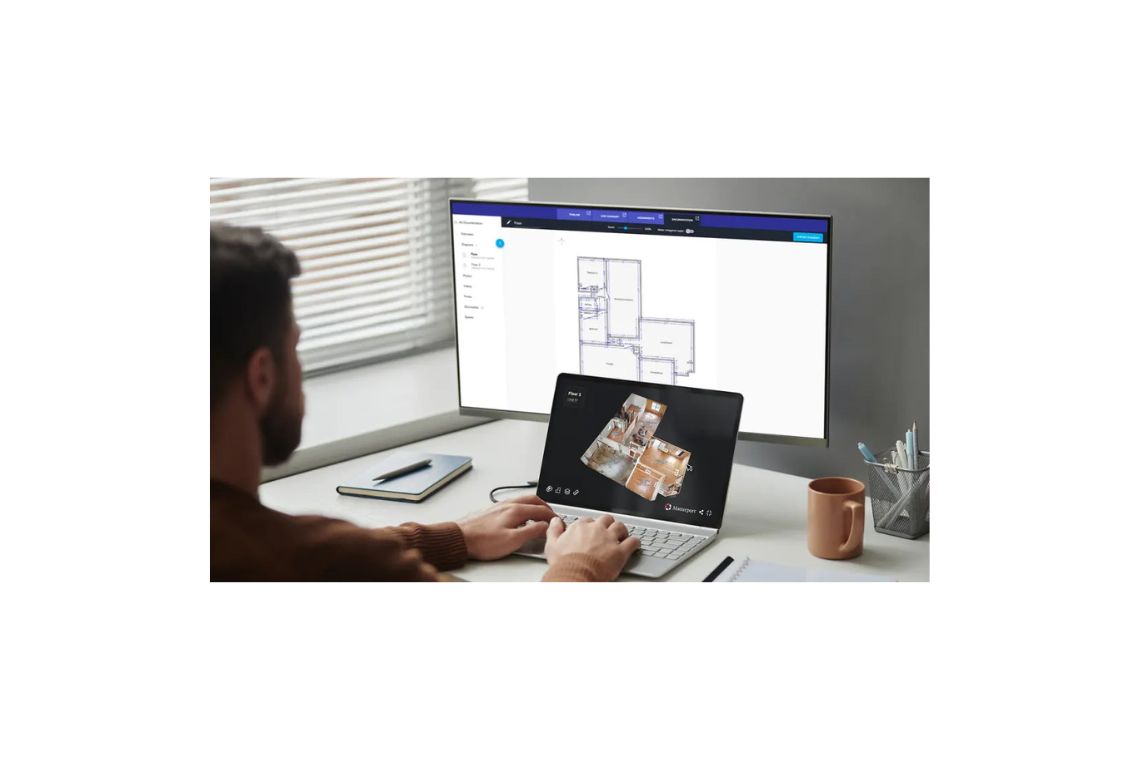
Autodesk Construction Cloud provides a cloud based environment where project models can be stored, accessed, and managed in one place. Instead of passing files back and forth or relying on local servers, teams work from a centralized platform that acts as a single source of truth.
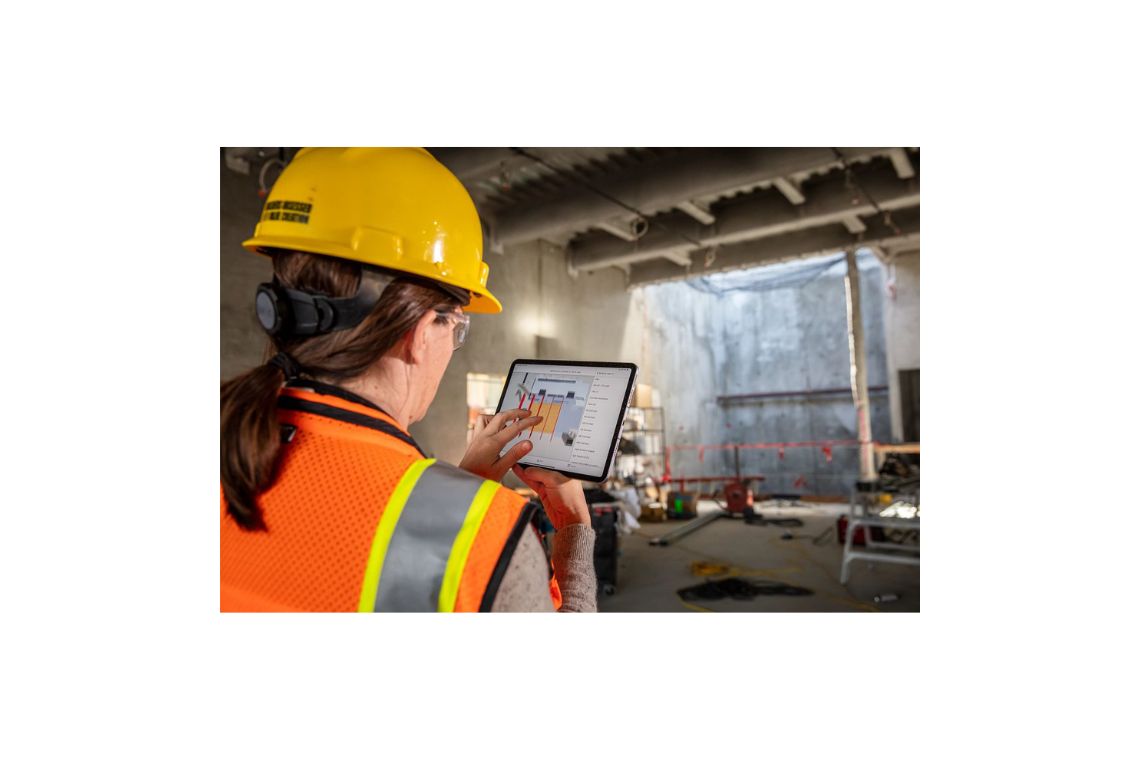
This approach supports collaboration across roles and locations. Designers, contractors, and field teams can review the same models, add comments, and track issues without worrying about version confusion. Because the platform is cloud based, access is not limited to the office, which makes it easier for project teams to stay connected throughout construction.
The Role of Navisworks in Model Coordination
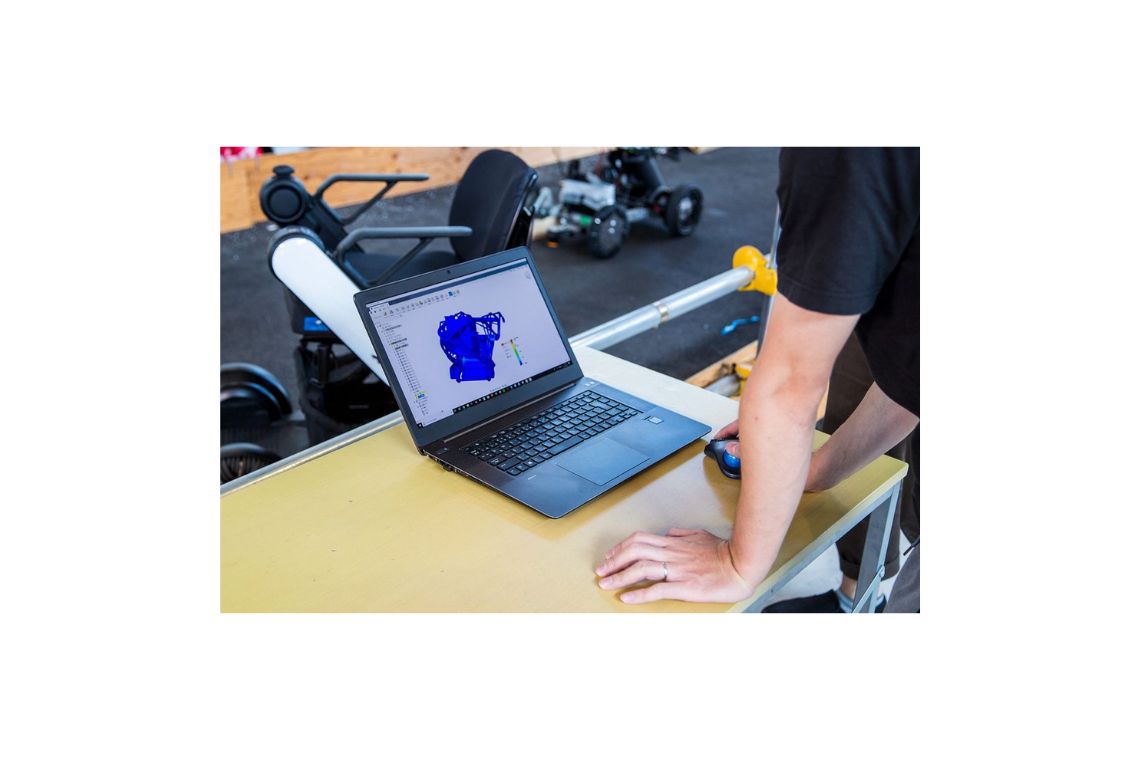
While cloud access is essential, construction teams also need powerful desktop tools for detailed model analysis. Autodesk Navisworks fills that role by enabling advanced model aggregation, clash detection, and coordination workflows.
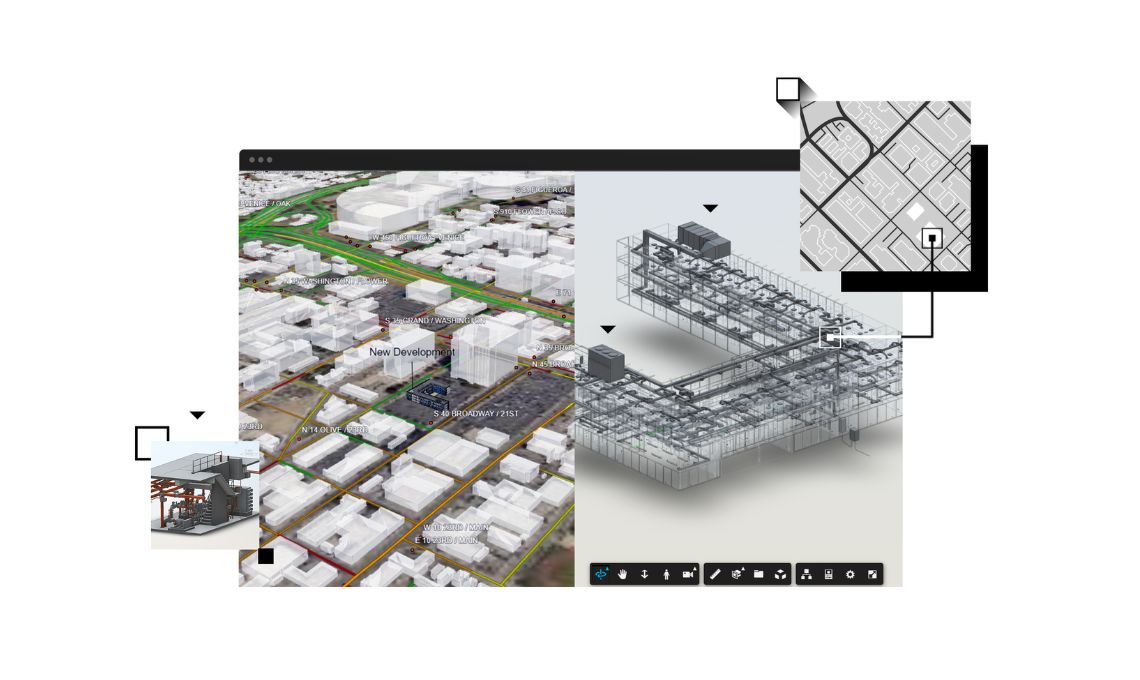
Navisworks allows teams to bring together models from multiple disciplines into a single, coordinated view. Structural, architectural, and MEP models can be reviewed together, making it easier to understand how different systems interact. Clash detection tools help identify conflicts before they reach the job site, when fixes are still manageable and far less expensive.
Connecting Cloud and Desktop Workflows
The real strength of this approach comes from how Autodesk Construction Cloud and Navisworks work together. Models coordinated in Navisworks can be connected back to the cloud, where issues, clashes, and updates are shared with the broader project team.
This connection bridges the gap between detailed technical work and accessible collaboration. Specialists can perform in depth coordination in Navisworks, while project managers and field teams can review outcomes in the cloud. Everyone stays aligned without needing the same level of technical expertise or software access.
Clash Detection That Leads to Action
Clash detection is often seen as a standalone task, but its true value lies in how results are managed. With an integrated model management workflow, clashes identified in Navisworks can be tracked as issues within Autodesk Construction Cloud.
This means clashes are not just reports that get emailed around. They become actionable items with context, ownership, and status tracking. Teams can assign responsibility, discuss solutions, and confirm resolutions, all while staying connected to the model. This structured approach helps ensure that coordination efforts actually lead to real improvements on site.
Supporting the Full Construction Lifecycle
Construction model management is not just about preconstruction coordination. As projects move into active construction and eventually handover, models continue to provide value. Accurate, coordinated models support sequencing, logistics planning, and field coordination.
Because Autodesk Construction Cloud centralizes model data, teams can carry rich BIM information through to later stages of the project. This continuity supports smoother handover and sets the foundation for future operations and maintenance, where reliable data is just as important as it was during design.
Reducing Rework and Improving Constructability
One of the most practical benefits of combining Autodesk Construction Cloud and Navisworks is the reduction of rework. When clashes and constructability issues are identified early and resolved collaboratively, fewer surprises make it to the field.
This proactive approach saves time and cost, but it also reduces stress across the project team. Clear models and coordinated data help crews understand what needs to be built and how different systems fit together. Over time, this leads to more predictable outcomes and better overall project delivery.
A More Connected Way to Build
Construction projects succeed when information flows smoothly between people and tools. By combining cloud based collaboration with powerful desktop coordination, Autodesk Construction Cloud and Navisworks support a more connected way of managing models.
A unified BIM model management solution that connects design and construction teams for better coordination and project delivery
For teams looking to move beyond fragmented workflows and make better use of their BIM data, this integrated approach offers a balanced mix of accessibility and technical depth. It is not about adding complexity, but about giving teams the clarity they need to build with confidence.