How many decisions in product development are slowed down by mismatched or outdated data?
For many manufacturing and engineering teams, product information lives in more than one place. Design data sits in one system, lifecycle information in another, and updates are often handled manually. That is where problems begin. With Autodesk Vault now working more closely with lifecycle tools through the Vault Connector, organizations get a clearer, more reliable way to manage product data from design through release.
Connecting design and lifecycle data
At the center of this update is Autodesk Vault, specifically Vault Professional, which many teams rely on for product data management. Vault already does a strong job controlling files, revisions, and engineering data. The challenge has often been what happens after that data needs to move into lifecycle management.
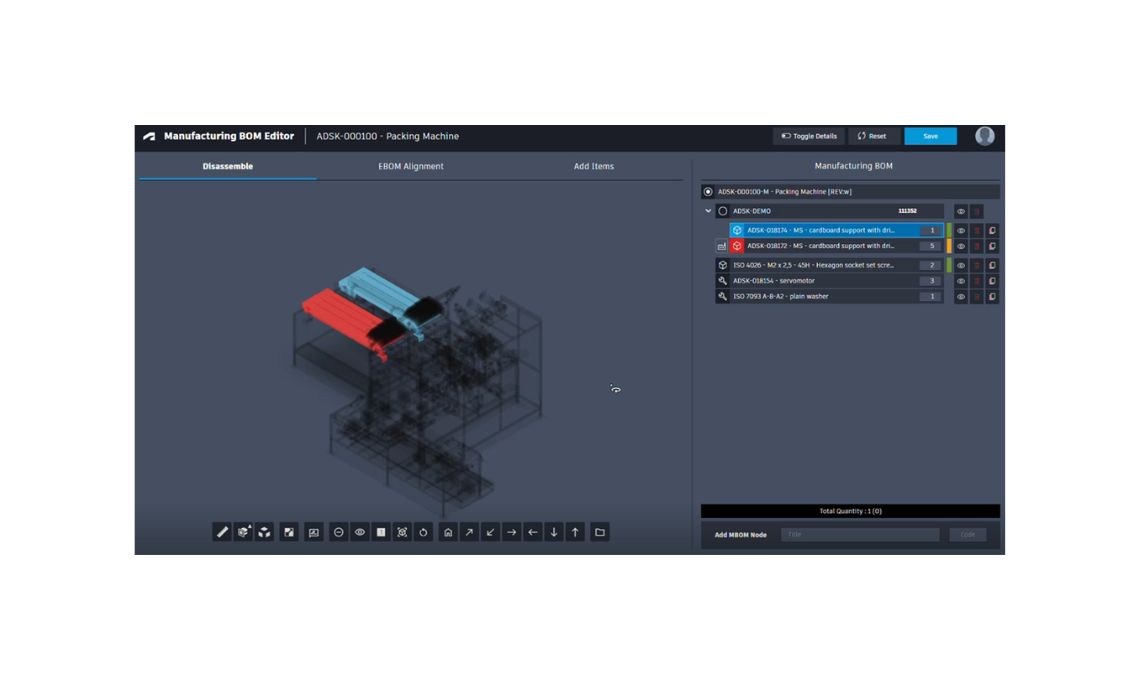
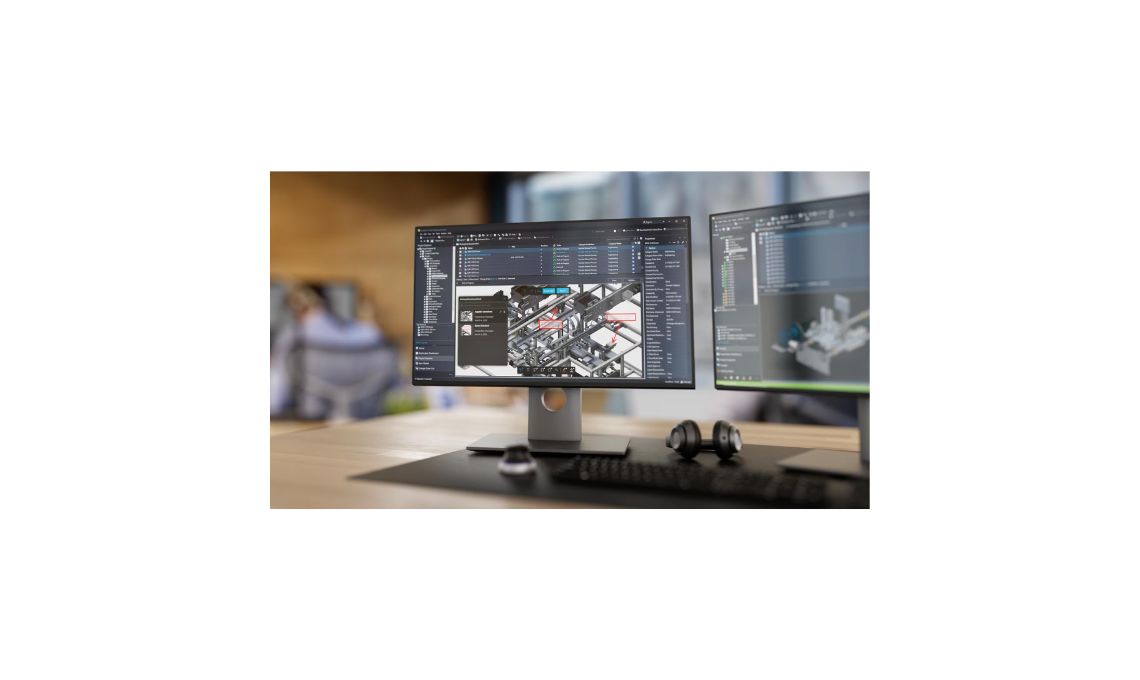
The Autodesk Vault Connector creates a direct bridge between product data management and cloud based lifecycle tools. Instead of exporting spreadsheets or reentering information by hand, items, bills of materials, and related design data are synchronized automatically. This connection helps ensure that product information stays aligned no matter where it is being used.
Why synchronization matters more than ever
Inconsistent data is one of the most common causes of delays and errors in product development. A bill of materials that does not match the latest design revision can lead to purchasing mistakes, production issues, or costly rework.
By synchronizing data between Autodesk Vault Professional and lifecycle systems, the Vault Connector reduces those risks. Everyone works from the same source of truth. Engineers, operations teams, and stakeholders can trust that the information they see is accurate and current.
This alignment becomes especially important as teams grow or work across locations, where manual coordination quickly becomes unmanageable.
Removing manual data entry from the process
Manual data transfer is not just time consuming. It is also error prone. Even small mistakes, like a missed update or an outdated revision, can have a big impact downstream.
The Vault Connector automates synchronization, removing the need for repetitive manual tasks. When items or bills of materials change in Vault, those updates can flow automatically into lifecycle tools. This automation frees up time for teams to focus on higher value work instead of administrative cleanup.
It also creates more confidence in the process, since fewer handoffs mean fewer chances for something to go wrong.
Supporting change orders and lifecycle states
Product data is rarely static. Designs evolve, requirements shift, and change orders are a normal part of development. One of the strengths of the Autodesk Vault Connector is how it supports automated updates linked to change orders and lifecycle states.
When a change is approved, the connector helps ensure that the updated information is reflected across systems. This keeps lifecycle data in sync with the latest design intent and avoids confusion about which version is valid.
By connecting changes directly to lifecycle states, teams gain better visibility into where a product stands and what actions are needed next.
Improving collaboration across teams
Clear data supports better collaboration. When everyone works with aligned information, conversations become more productive and decisions happen faster.
The Vault Connector strengthens collaboration by ensuring that design, engineering, and lifecycle teams are always on the same page. There is less back and forth to confirm details and fewer surprises caused by outdated data.
This shared clarity helps organizations move more smoothly from design to release, even on complex products with many components and dependencies.
Faster paths from design to release
Speed matters in competitive markets, but speed without accuracy can be risky. The goal is to move faster while maintaining control and quality.
By automating data synchronization and reducing inconsistencies, the Autodesk Vault Connector helps shorten the path from design to release. Teams spend less time validating information and more time advancing the product.
This balance of speed and reliability is especially valuable for organizations managing frequent updates or multiple product variants.
A practical step toward digital continuity
Digital continuity is often discussed as a long term goal, but it is built through practical improvements like this one. Connecting Autodesk Vault with lifecycle tools through the Vault Connector is a tangible way to reduce fragmentation in product development.
It does not require teams to change how they design. Instead, it improves how information flows once designs are ready to move forward. That makes adoption easier and benefits more immediate.
Looking ahead
As products become more complex and collaboration more distributed, the need for consistent, automated data management will only grow. The Autodesk Vault Connector addresses this need by creating a reliable link between product data management and lifecycle processes.
For organizations using Autodesk Vault Professional, this integration offers clearer workflows, fewer errors, and stronger alignment across teams.